
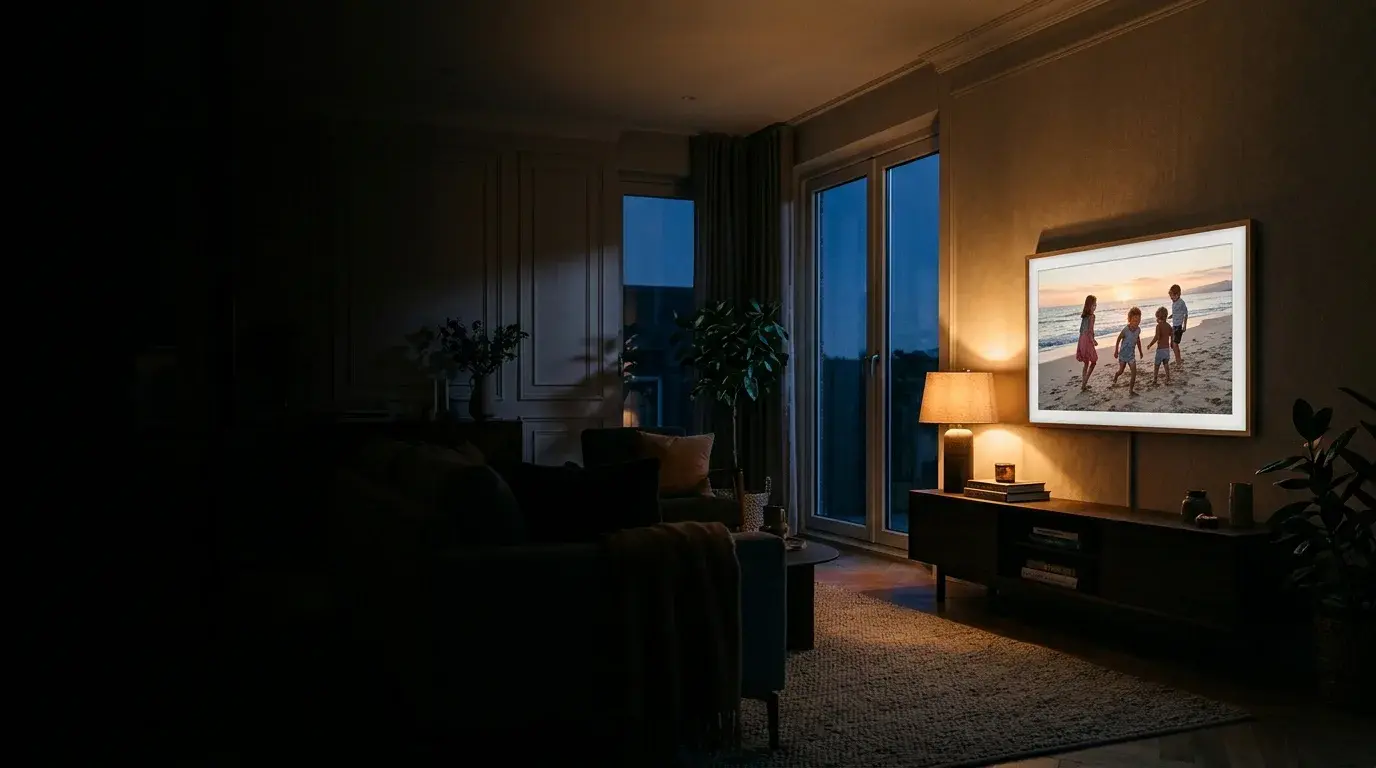
Frame Stick · €49
The wall keeps moving.
A stick the size of your thumb that drives your Frame TVs over Wi-Fi. It gives every Frame a real slideshow — even the 2017 — and lets the whole family fill the wall from anywhere.
Every Samsung Frame since 2017 · set up in two minutes

Frame Stick
Fits any USB port · talks over Wi-Fi
€49
What it does
One stick. Two jobs.
01 — The slideshow fix
A real slideshow — even on the 2017 Frame.
Samsung's first Frame has a famous quirk: it only rotates photos you've favorited by hand, on the TV, with the remote. Everything else just sits there — one photo, for weeks.
The stick fixes it at the root. It picks the next photo and tells the TV to show it — photo by photo, at the pace you choose. Every album becomes a slideshow, on every Frame since 2017.
- Plug it into any USB port — a Frame, a charger, anything. It talks to your TVs over Wi-Fi.
- You set the pace in the Frame Photos app: every 30 seconds or every few hours.
- One stick drives up to 3 Frame TVs at once.

02 — The family wall
Family fills the wall. From anywhere.
The stick is its own member of your Frame Cloud. It checks for new albums, downloads the photos and puts them on the TV — entirely by itself, no phone in the house needed.
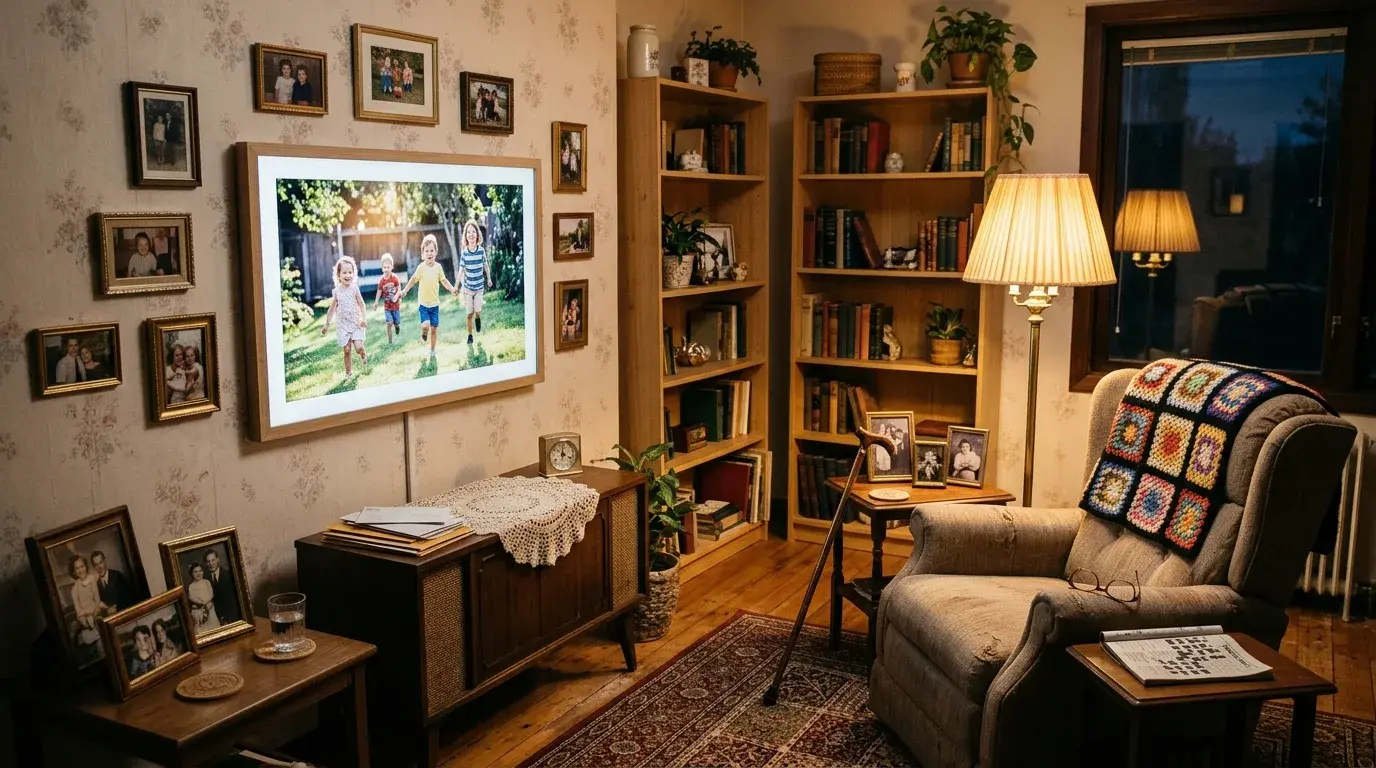
So the kids and grandkids send photos from their phones, and at Grandpa and Grandma's there is nothing to charge, update or understand. The wall simply changes.
- New albums land on the TV within a minute of sending.
- Remote control from your phone: next photo, pace, slideshow on or off.
- The stick reports in every few minutes — you can see from home that the wall is alive.
Remote filling uses Frame Cloud (Frame Photos Plus). On your own Wi-Fi the stick works with the free app.
How it fits together
- The family's phonessend an album
- Frame Cloudholds the photos
- Frame Stickdownloads them, by itself
- The Frameshows the slideshow
No phone in the loop after sending. The stick does the fetching, the TV does the showing.
The small print, proudly
Built to never freeze a wall.
- 01Power from anywhereAny USB port will do — one of your Frames, a charger behind the cabinet. Power is all it takes from there; the talking happens over Wi-Fi.
- 02Survives a power cutIt remembers exactly which photo was up and resumes right there. No reset, no re-pairing, no ladder.
- 03Up to 3 Frame TVsOne stick keeps the whole house rotating — each TV at its own pace.
- 04Wi-Fi 6, dual bandJoins 2.4 or 5 GHz and remembers five networks, so a new router never strands it.
- 05A glanceable status screenThe tiny display shows Wi-Fi, your TVs and the countdown to the next photo.
- 06Updates that can't brick itFirmware installs only when you press update — checked before it boots, and it rolls itself back if anything is off.
Questions, answered
Does it work with my Frame?
Yes — every Samsung The Frame since 2017. The stick knows each model year's quirks: on a 2017 it does all the rotating itself, on newer models it also re-arms the TV's own slideshow.
Do I need a subscription?
No. On your own Wi-Fi the stick works with the free Frame Photos app. Only filling it from outside the house uses Frame Cloud, part of Frame Photos Plus.
Where does it get power?
From any USB port — a Frame TV or any charger. USB is only for power: the stick controls your TVs over the Wi-Fi network, so it doesn't need to sit in the TV it drives.
What if the Wi-Fi changes?
Open the app next to the stick and hand it the new network. It remembers up to five, so it moves happily between house and summer cottage.
Give the wall a heartbeat.
One stick, two minutes of setup — and the photos never stand still again.
Free shipping · 30-day return · works with the free app